Post the work without sitting down to write.
Shop Hand writes a social post caption from the job's photos and details, in your voice, and you preview it, then post now or schedule it to Instagram, Facebook, TikTok, YouTube, LinkedIn and X.
Pick photos from the job. Shop Hand writes the caption from the photos and the job's wood, finish and build, in your voice. You read it, change what you want, and post it now or schedule it for later.
Comes with the Shop plan← Back to everything Shop Hand does
From the job's photos to a scheduled post.
Pick the photos
Start a post from the job, and its photos are right there to choose from.
Pick where it goes
Instagram, Facebook, TikTok, YouTube, LinkedIn and X, all from one post.
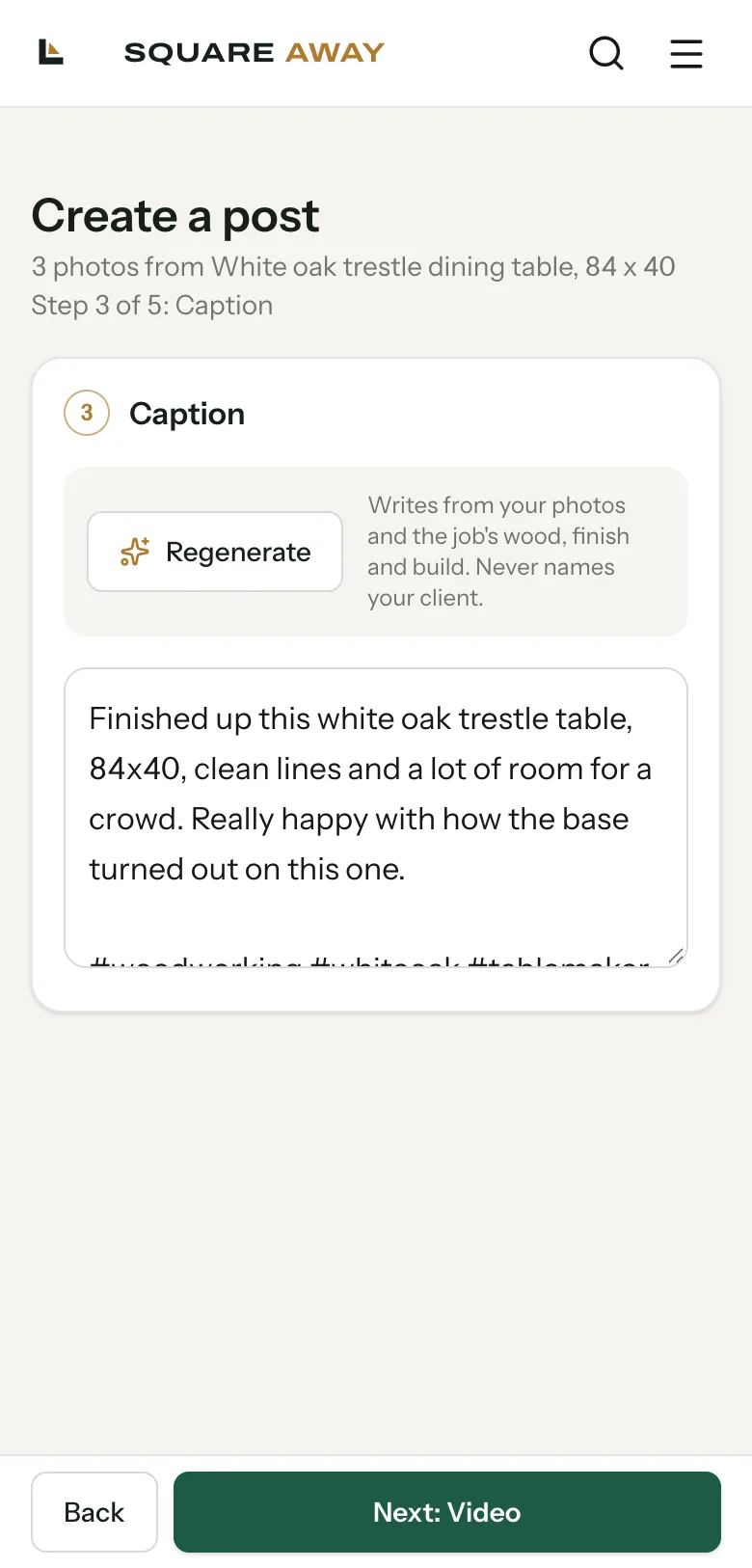
Get the caption
It writes one from the photos and the job. Don't like it? Regenerate, or type your own.
Post or schedule
Post now, or pick a time like tomorrow at 9 AM and get back to the bench.
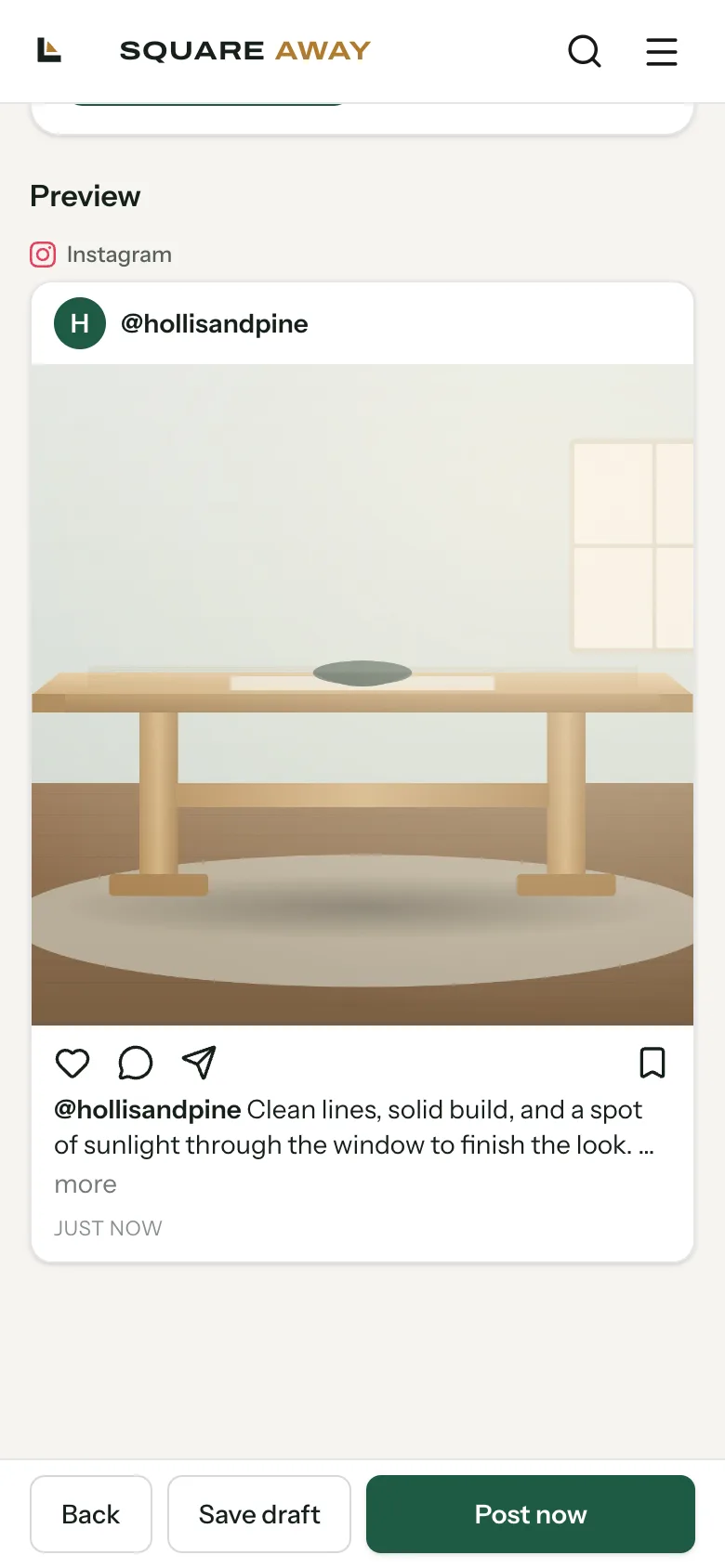
See it the way your followers will.
Before anything posts, you see a preview for each place it's going, with the photo and the caption together. If something reads wrong, back up and fix it.
- It never names your client. Captions talk about the piece, not who it's for.
- It writes from the real job. The wood, the finish and how it was built come from the job, not a template.
- You always get the last word. Nothing posts until you tap Post now or Schedule.
Every post on one calendar.
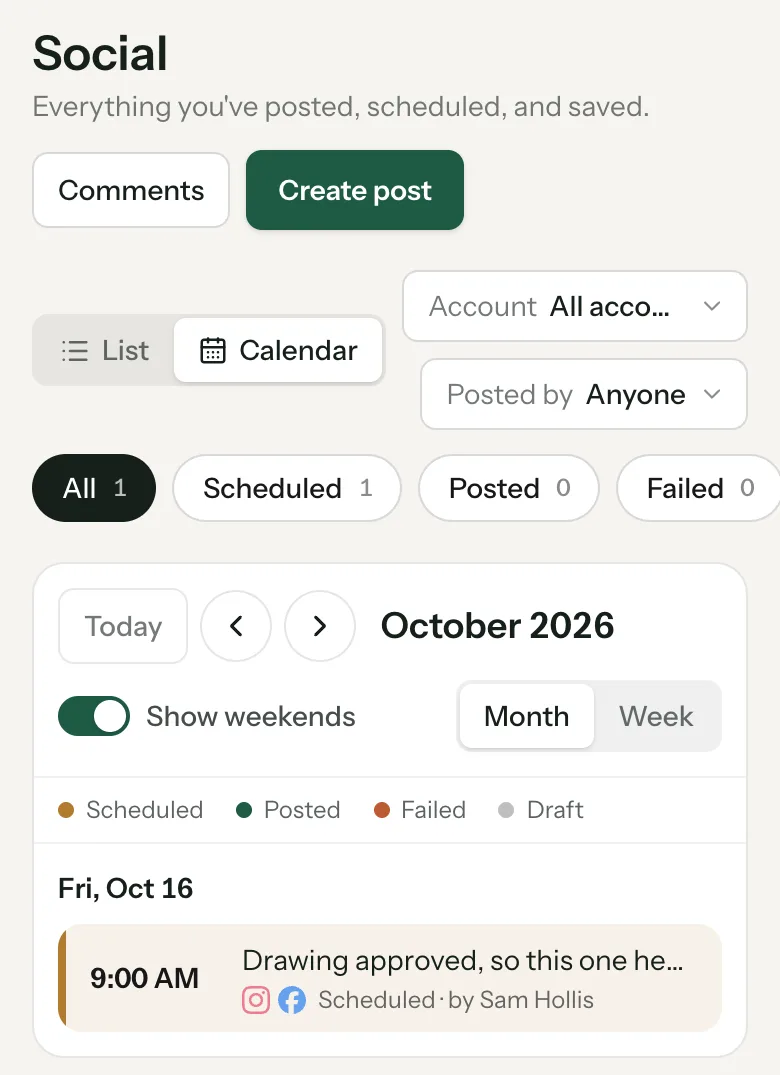
The Social page shows everything you've posted, scheduled and saved, as a list or a calendar. Filter by account or by who on your team posted it, and see what's scheduled, posted or failed at a glance.
It writes the post. You still run the shop's voice.
The caption is a starting point. Edit every word, or skip it and write your own.
Each caption it writes uses 6 AI credits from your plan. Typing your own is free.
Connect your social accounts one time, then post to any of them from Square Away.
It can only write about what's in the shot and on the job. A clean photo of the piece does the rest.
Bring a job's photos to the setup call.
We'll connect your accounts, write the first post together and put it on the calendar.